Hazard & Explosion
- Sheng hao Wang
- Apr 7, 2016
- 2 min read
Now the boundary is set, time to build the hazards for player to shoot at. The first step is create the asteroid by using the asteroid model from space shooter tutorial asset, and install a collider to it.



Right now the asteroid is ready to be incorporated into the game mechanics, however it is static and extremely dull. We can make the asteroid more dynamic by adding a random rotator script to it, so it will spin randomly.


Now punch in the tumble value in the inspector and test it.
With the asteroid spinning randomly, it is time to add the asteroid into the game play mechanics.
As for right now nothing happens when we shoot the asteroid, even though they both have collider installed. We can quickly address this by adding DestroyByContact Script.

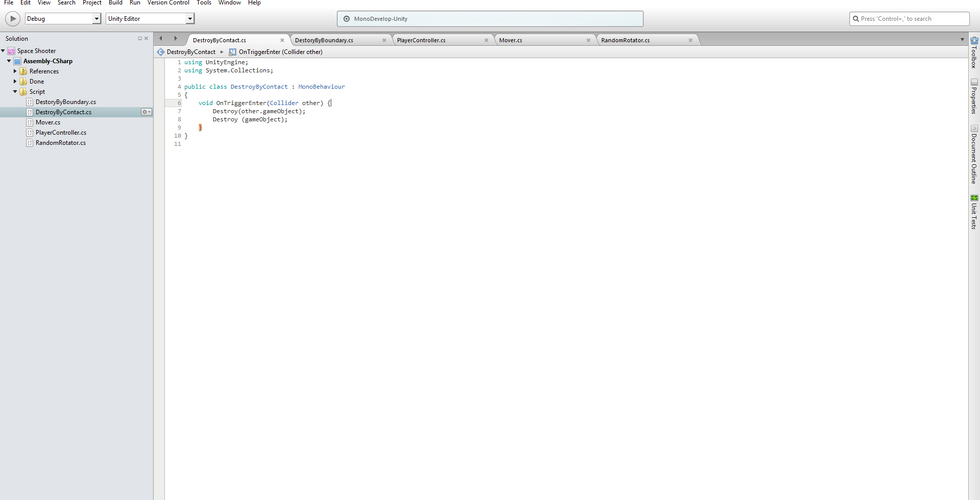
Now, we got the DestroyByContact script in place, however another problem came up. Since both Asteroid and bolt both have Is Trigger toggled in the collider, which cause both game object trigger the destroy code on the first frame of the game.
To find the source of the problem there is a handy debug line the tutorial showed.
Debug.Log (other.name)
By adding this line into the script it will help me pin point the root cause of the problem, and show it in the console window in Unity. In this case it is the Boundary which triggers the destroy command on the first frame.


To fix this the tutorial suggests the tag method which is similar to the layer system in animation. The first step of this debug method is to tag the boundary in the Inspector adding the line to exclude the tagged boundary from the script loop. This way the destroy command won't be triggered by the boundary on the first frame.


Time to test the new script.
Now the asteroid is no longer destroyed by boundary on frame one, we need to spice up the game play with some explosion. To do that we are going to use the explosion VFX from Unity space shooter tutorial asset.


It is pretty simple to add the explosion to the asteroid. All we need is to include the explosion into the DestoryByContact script, and asign the VFX to the asteroid in the inspector.
Now the asteroid will explodes when the bolt hits the asteroid, however when the asteroid hits the player only the asteroid will explode. So we need to add player explosions as well.



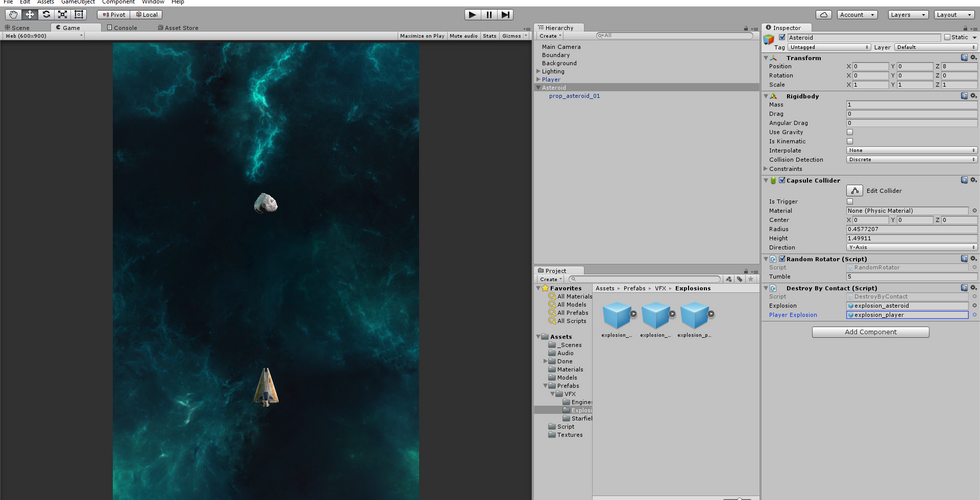
The process is pretty much the same as adding the asteroid explosion, except we need to tag the player in the inspector.
One last step before completing the hazard, we need the asteroid move towards the player.

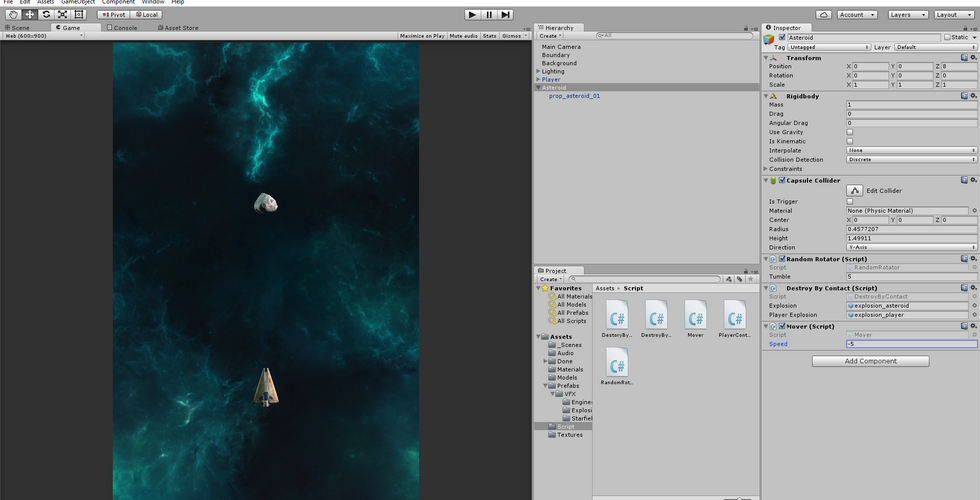
To do that all we need to do is assign the mover script from the bolt early on to the asteroid, and assign a negative value in the inspector for asteroids move towards the player.
Now we've got the player, we've got laser bolt, and we've gotten hazard. The next step is to tie everything together with game controller.


Comments