Game Controller & Spawning Waves
- Apr 11, 2016
- 2 min read
Now we got all the elements needed to complete the game, the next step would be tie all the elements together the build the core game-play.


First, We create a empty GameObject as GameController, which serve as central controller for the entire game.


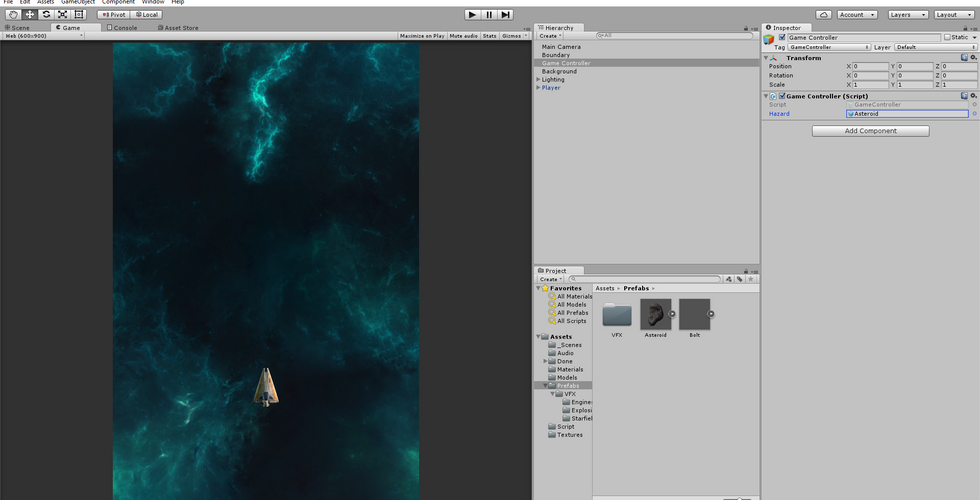
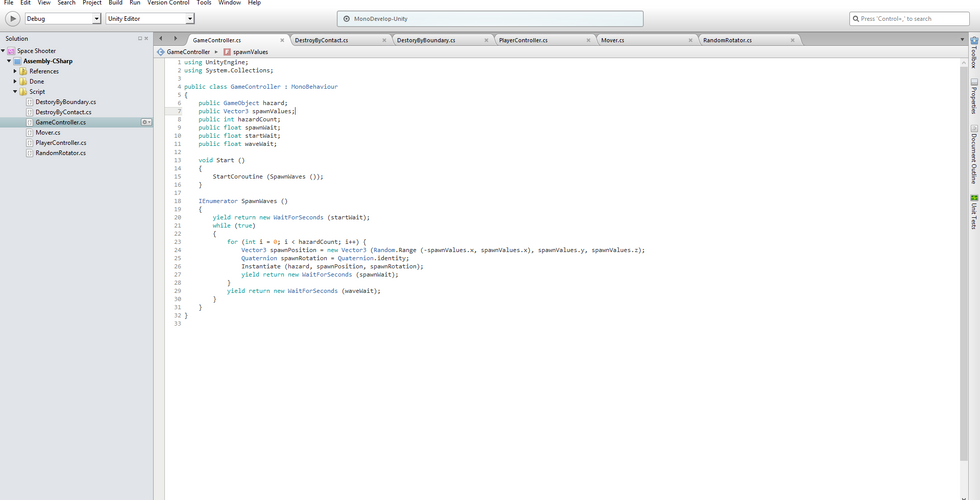
For GameController node to function properly, we need to add a script to the node. And we start out the script with a prefeb slot to hold the asteroid and ability to spawn a single asteroid at a time.

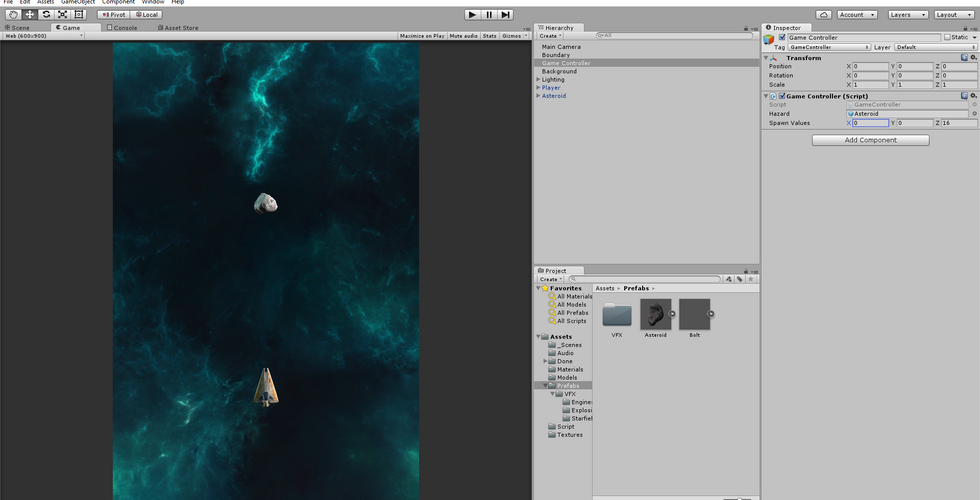

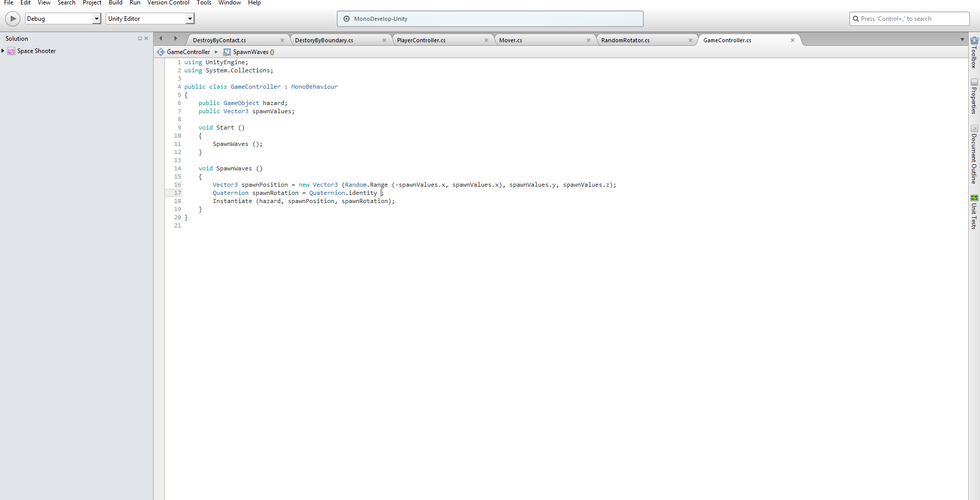

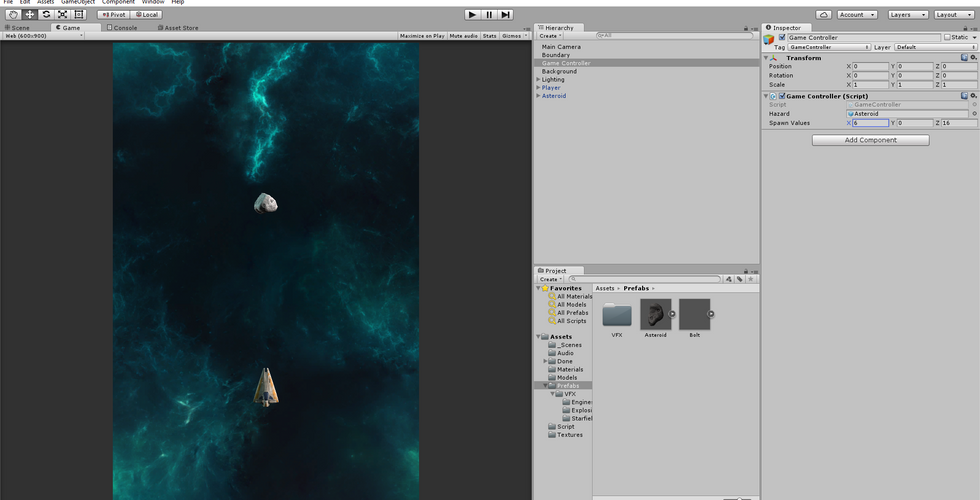
Now the script is able to spawn a single asteroid to the game area, however it only spawn from the same point. It is extremely dull for gamer if the hazard only came from one location. To address this, we edit the script to offer variety of spawn position from the top of the game area, and to make the hazard less predictable by using randomly technique.
With the hazard much less predictable for the player, now we need to spawn more than one asteroid to challenge the player.


We can achieve this by having the spawn code repeat the spawn process number of times to the amount of hazard we needs. Instead of just simply copy and paste the code(bad method), we write a for loop for the spawn code to run on. The loop method allowed us to set the hazard count by just punch in the number in the inspector, which is less tedious than the copy paste method.
Well, something unexpected happen during the spawn wave test!
The asteroid ran in to each other and bounce off, instead of collide and destroy each other.


So it turns out the tutorial forgot to toggle Is Trigger on the asteroid's collider when creating hazards.
Now with the problem fix, the next step would be add pause between each spawned asteroid, so they don't collide with each other and destroy themselves.


With the wait code added to the GameController script, now it is time to test it.
Now the asteroid is nice and space out. It is probably a good idea to add start wait at the beginning of the game, so player got time to get ready before the wave starts.



Punch in the value in the inspector, and test.
There is an issue came up during the last test run, the explosion VFX stayed in the game and eating up resources like bolt and asteroid before building Boundary system. However, this issue can't be address with boundary since the explosions doesn't leave the game area. So the most logical way to handle this is, install a destroy by time script to get rid of unwanted explosion VFX.


Quick test run to make sure the script is working properly.
Now with the game controller installed, and hazard spawn in waves. The next step would be adding Sound and Score system into the game.


Comments